
THON 2026 was six days, three crews, three locations, and eight terabytes of footage. That’s the shoot that would have broken us if we were still running on spreadsheets and a shared Dropbox folder — which is roughly how most production shops our size operate.
So we stopped operating that way. Over the four years we’ve produced Life on Pause, we built our own tools. They started as fixes for specific problems on that series and grew into the system we now run most of our projects on. None of it is off-the-shelf. All of it exists because a real shoot exposed a real gap.
Here’s what it actually does — and, more importantly, what it deliberately doesn’t.
Before the shoot: the Field Guide
A multi-day, multi-location shoot with more than one crew has a coordination problem that has nothing to do with cameras. Who’s where, on which day. What questions each interview needs to cover. Which b-roll matters at which location. How to reach the crew lead when the schedule slips.
The Field Guide holds all of it in one place: interview questions, the week’s calendar, crew contacts, b-roll suggestions per location. And one thing most tools don’t have — a way to flag gold moments as they happen, so a thing that stands out on Day 2 isn’t lost by the time three crews and eight terabytes come home. When everyone walks in knowing the plan, the crew spends its attention on the moment instead of on logistics.
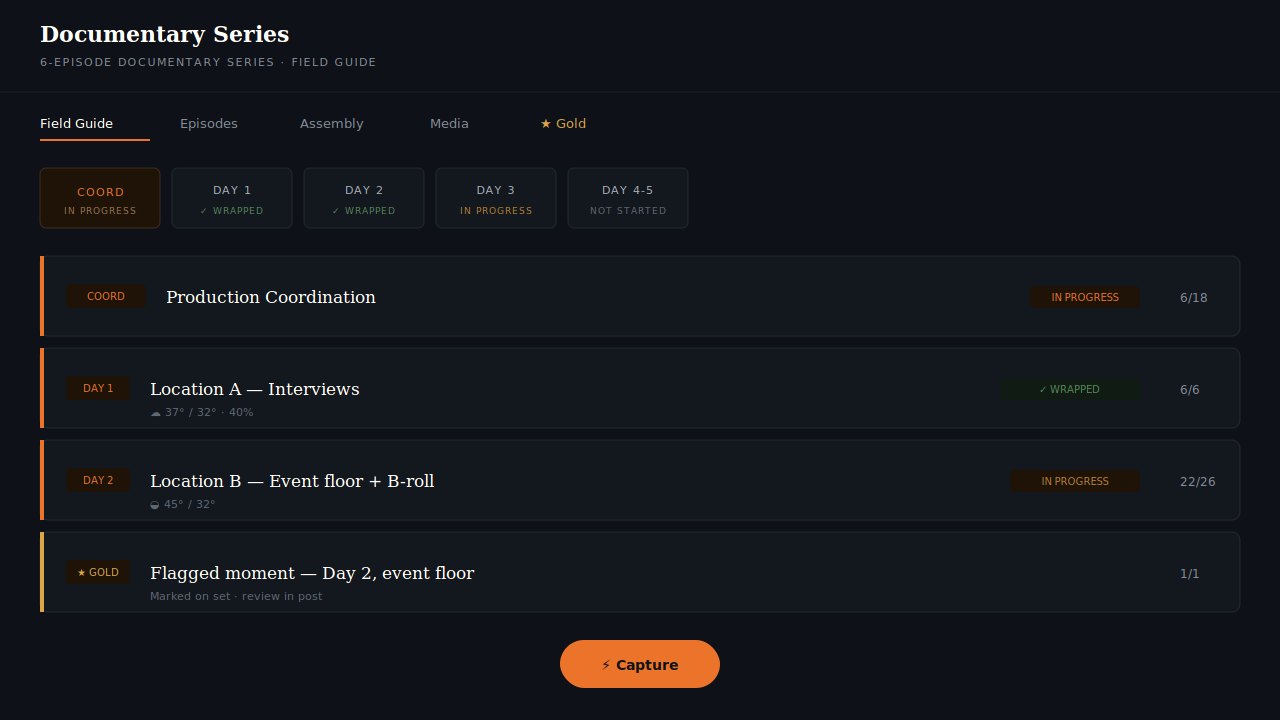
The interview and episode guides
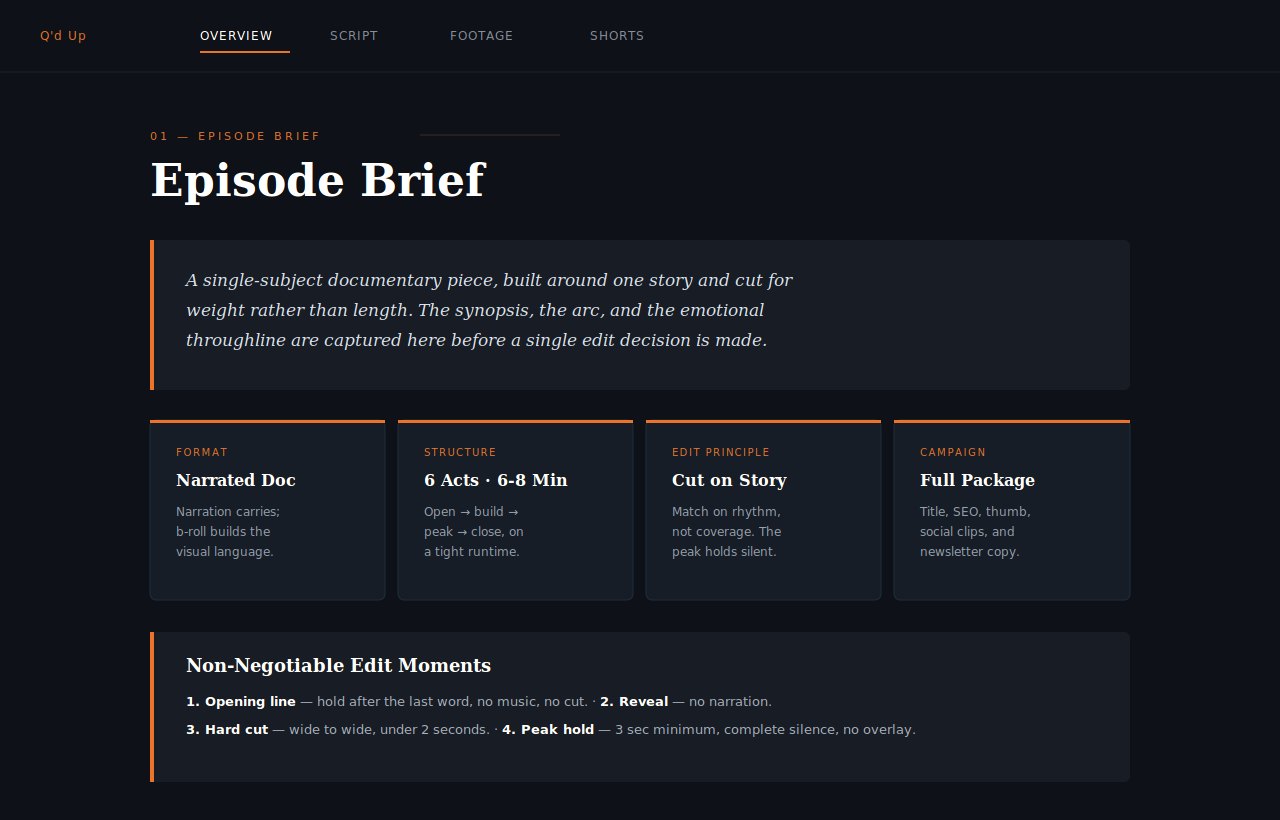
Standalone interview guides carry the questions and topics for a specific conversation — so a host walks in prepared rather than improvising, and the subject does less of the heavy lifting.
The episode and series guides go further. For a given video or podcast, they hold suggestions for the whole campaign around it: script and narration, edit notes, music, the title, the description, the thumbnail, the SEO, the social clips, the newsletter. Everything it takes to run a piece of content end to end, gathered in one place instead of scattered across a dozen tabs and three people’s heads.
The word doing the work in that paragraph is suggestions. More on that below.
The Footage Catalog
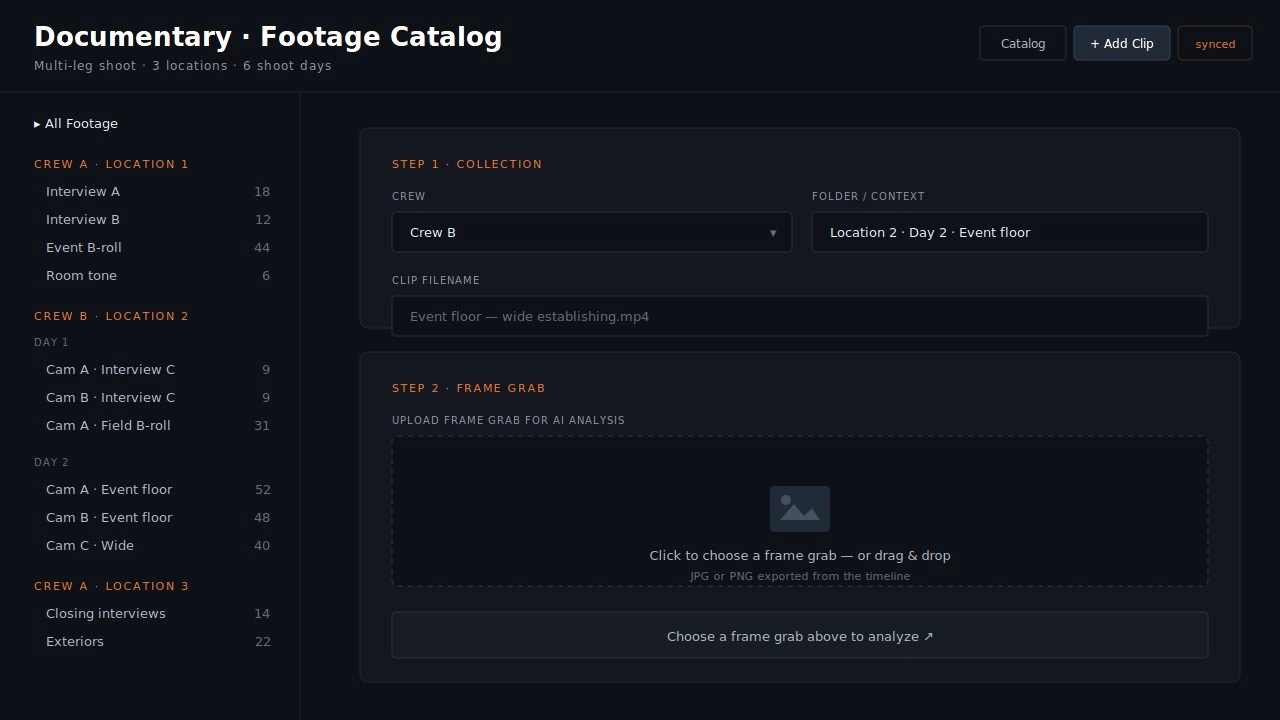
Eight terabytes across three crews and three locations is, before anything else, an inventory problem. Just knowing what you have — and being able to find the one shot you half-remember from Day 4 — is a job in itself.
The catalog exists to solve that at three different moments. Going in, it organizes what we plan to capture. During post, it logs and sorts what we actually got, so the edit starts from a real library instead of a wall of mystery drives. After publishing, it keeps the whole archive findable, which is what makes a four-year series possible — you can reach back into year one when year four needs it.
Where the system stops
Here’s the part that matters most, and it’s the reason none of this makes us a software company.
Everything above is suggestions, catalogs, and organization. It is scaffolding. It is not the show. The system will suggest a title, propose an edit order, flag a clip as a possible highlight — and a person overrides any of it the moment the story needs something else. Nothing is set in stone. When a shoot calls for something the tools don’t do, we add it, in real time.
Most of all, we humanize it. A guide can tell you a moment is worth capturing. It can’t tell you to hold three extra seconds on a mother’s face because the silence is the point. The tools make sure nothing gets lost and nobody walks in unprepared. They don’t decide what the thing means. That’s the job we’d never automate, because it’s the only part a client is actually paying for.
Why build it at all
Because a four-year relationship with a client is a different thing than a one-off shoot, and it demands a different kind of reliability. When a children’s hospital trusts you to show up, year after year, and capture the hardest and most important moments in families’ lives, “we think we still have that footage somewhere” is not an acceptable answer. The system is how we make sure the answer is always yes.
What this means if you’re hiring a producer
Ask what happens to your footage after the shoot — not the edit, the footage. Ask how they’d find a specific moment from a shoot two years ago. A producer who can answer that is a producer who’ll still be able to serve you in year three. The camera work is the easy part. The system around it is what lets the work last.